Which CAD Software Do Survey Drafters Use? Civil 3D, Carlson & More
Civil 3D, Carlson, AutoCAD, MicroStation and 12d compared, and why native files matter for your workflow.
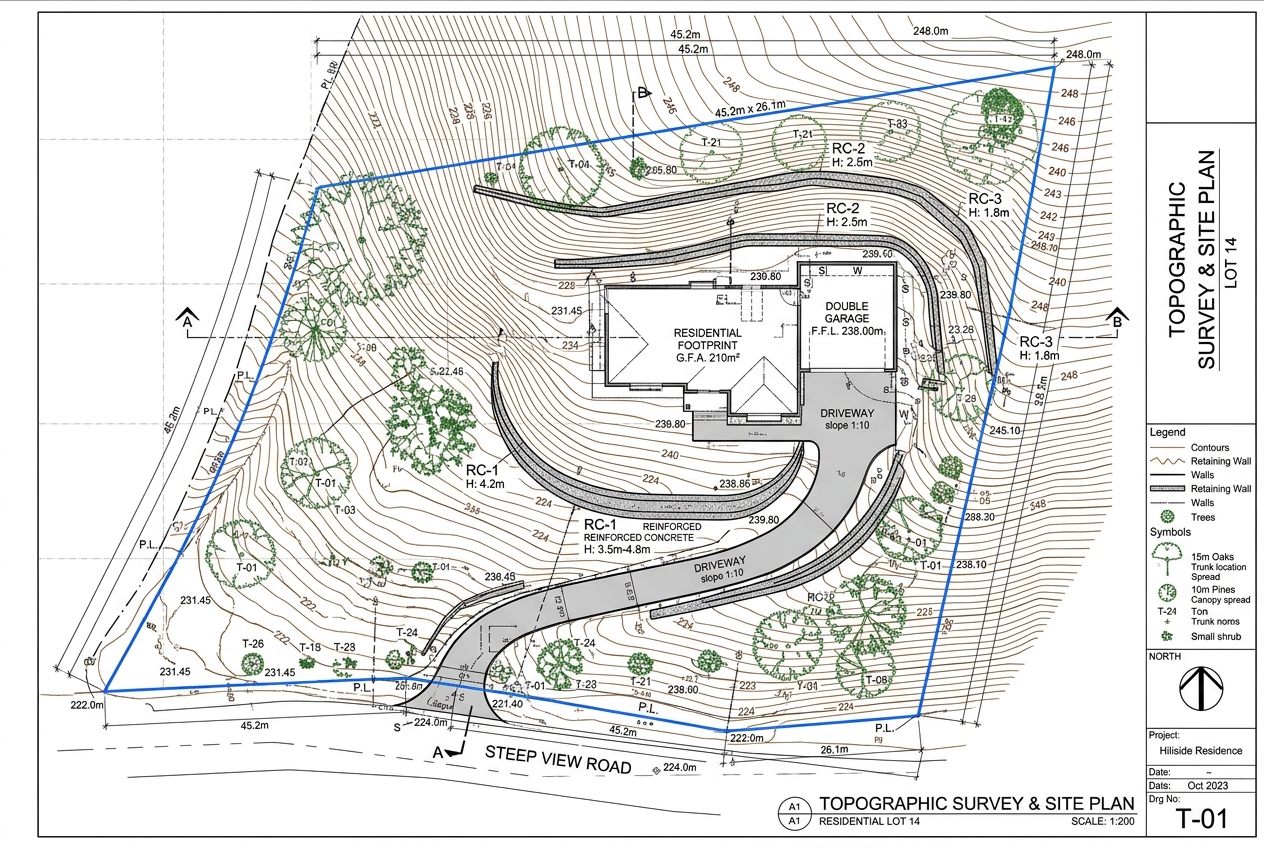
Your drafting partner should deliver files that open and behave exactly like the ones your own office produces. That means working natively in your software, not exporting a flattened DWG.
Autodesk Civil 3D
The most common platform for US and Canadian firms. Civil 3D supports survey databases, description keys, figure prefixes, surfaces, alignments and parcels. Native Civil 3D delivery keeps your surfaces and labels dynamic. Learn more about our Civil 3D survey drafting.
Carlson Survey
Popular with small and mid-sized survey firms for its field-to-finish routines and COGO tools. We can work in Carlson or deliver AutoCAD-compatible files that open cleanly in it.
AutoCAD and BricsCAD
For simpler boundary, mortgage and exhibit drawings, plain DWG drafting is often all that is needed.
MicroStation
Required by many DOTs and some large engineering firms. DGN delivery and seed files can be matched on request.
12d Model and n4ce
Common in Australia and the UK respectively. We draft to these workflows and deliver DWG or native formats where licensing allows.
Choosing software by survey type
Boundary and mortgage surveys
AutoCAD or Carlson is usually enough. These drawings rely on COGO, labelling and clean sheet layout rather than complex surfaces.
Topographic and engineering surveys
Civil 3D is the strongest choice when engineers need a live surface, contours and breaklines that update as edits are made.
Point cloud and LiDAR projects
Autodesk ReCap, Civil 3D and Global Mapper handle large clouds, classification and surface extraction before drafting in CAD.
GIS deliverables
ArcGIS and QGIS are used when clients need shapefiles, geodatabases or web maps instead of CAD drawings.
Field-to-finish workflows
The biggest time saver in survey drafting is a well-built field-to-finish setup. In Civil 3D this means description keys and figure prefixes; in Carlson it is the field code table. When these are configured properly, linework draws itself from coded points and the drafter focuses on checking and annotation.
Template and standards setup
A good template defines layers, line types, text and dimension styles, point styles, label styles and title blocks. If your firm does not have a consistent template, we can build one for you so every drawing – in-house or outsourced – looks the same.
Version compatibility
- Files can be saved back to older DWG versions for clients on older software.
- Civil 3D objects can be exploded to plain AutoCAD when the recipient does not use Civil 3D.
- PDFs are plotted from the same file so the printed set always matches the CAD.
Country-specific tools
US and Canadian firms mostly use Civil 3D and Carlson. UK practices often use n4ce or AutoCAD with LSS, and Australian firms commonly use 12d Model alongside Civil 3D. Tell us what your clients expect and we deliver to match.
Why native delivery matters
- Surfaces stay editable for engineers.
- Labels update when geometry changes.
- Your team can make quick edits without redrafting.
Tell us your software in the quote calculator and we will match it.
Frequently asked questions
Can you match our Civil 3D template and styles?
Yes. Send your DWT and we use your styles, description keys and label sets on every job.
Do you deliver DGN for DOT projects?
Yes, DGN delivery with client seed files is available for MicroStation workflows.
Which software versions do you support?
We support current and recent versions, and can save back to older formats on request.